How to get started with Origin
Step 1. Create a wallet in TokenPocket or Metamask
(You will need wallets on PC and phone)
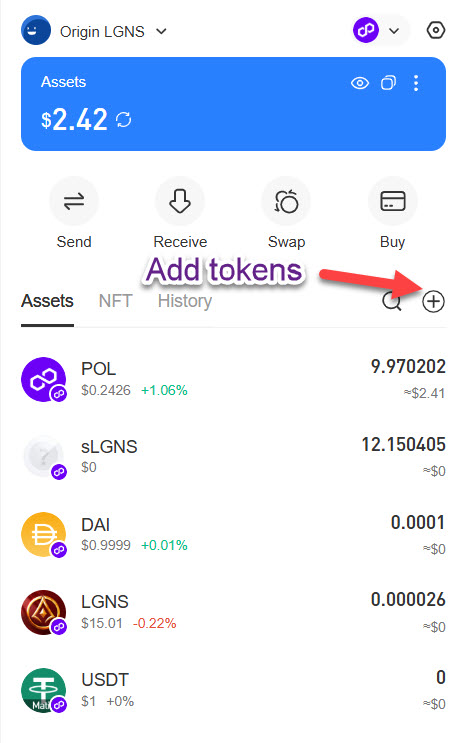
These are the tokens to add to your wallet on the Polygon network
POL
(This will auto populate when you are on the Polygon Network)
This is for gas fees (used to be Matic)
1.0 Pol should be enough
Import in Search tab
USDT
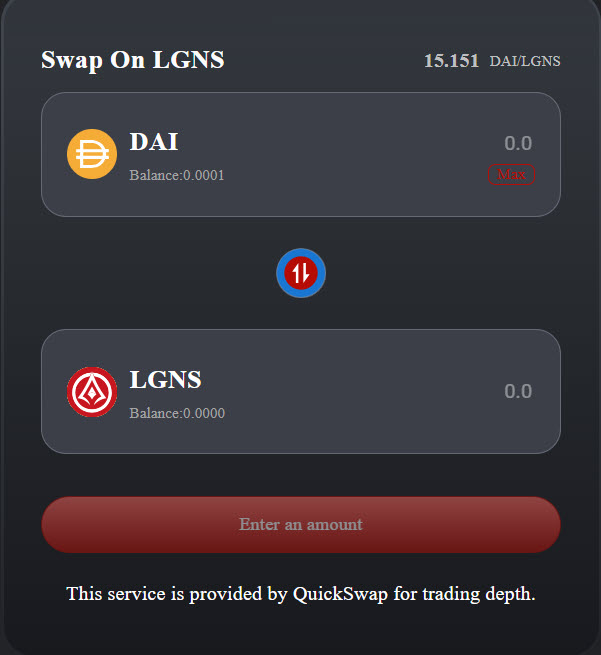
LGNS – Token Address
0xeb51d9a39ad5eef215dc0bf39a8821ff804a0f01
Import in Custom tab
DAI – Token Address
0x8f3Cf7ad23Cd3CaDbD9735AFf958023239c6A063
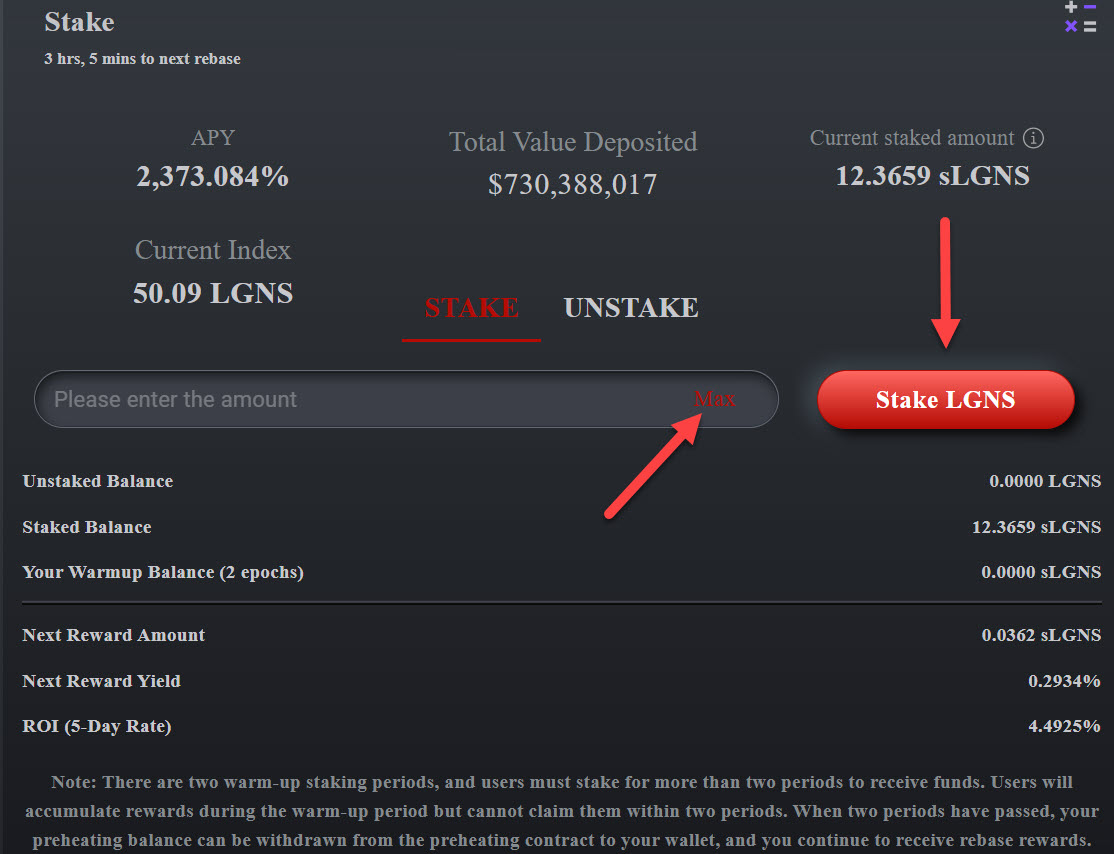
sLGNS – Token Address
0x99a57E6C8558BC6689f894e068733ADf83C19725